To enable or disable Click Tracking for emails sent via SMTP Relay
Go to Settings > Transactional Settings > Relay > Tracking > check Enable click tracking.
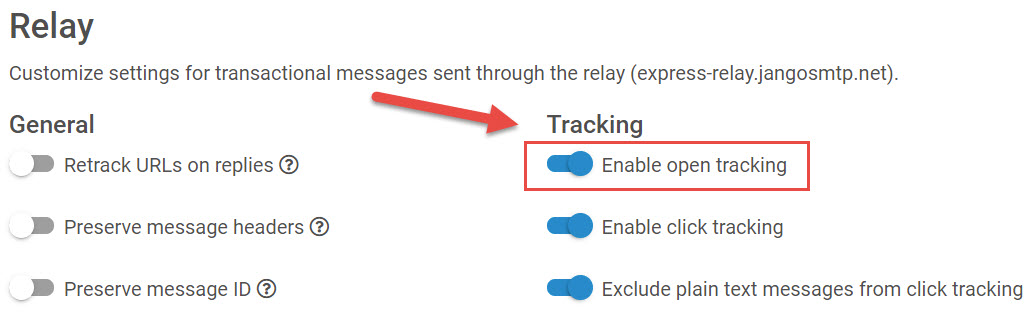 |

Go to Settings > Transactional Settings > Relay > Tracking > check Enable click tracking.
|
Comments
0 comments
Article is closed for comments.